
Download Echovane (Android)
Download the APK and follow the steps below to install and get started.
Download APKInstallation Instructions
If prompted, allow installs from unknown sources for your browser or file manager.
Step 1: Download the APK
Tap the download button above to download the latest Echovane APK.
If your phone shows a warning, confirm you want to keep the file.
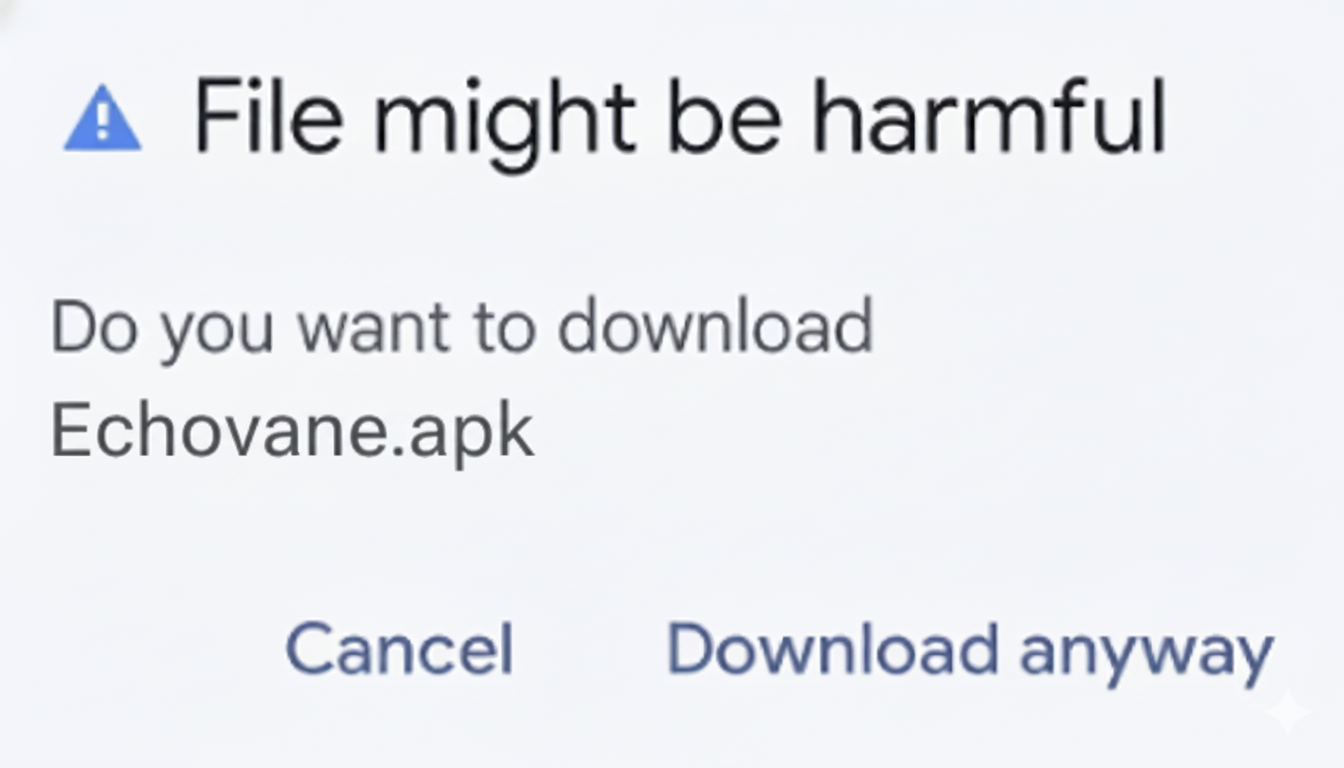
Step 2: Install Echovane
Open the downloaded file and follow the on-screen prompts.
- Open your Downloads folder.
- Tap the Echovane APK file.
- If asked, allow your browser/file manager to install apps.
- Tap Install.
- After installation, tap Open.
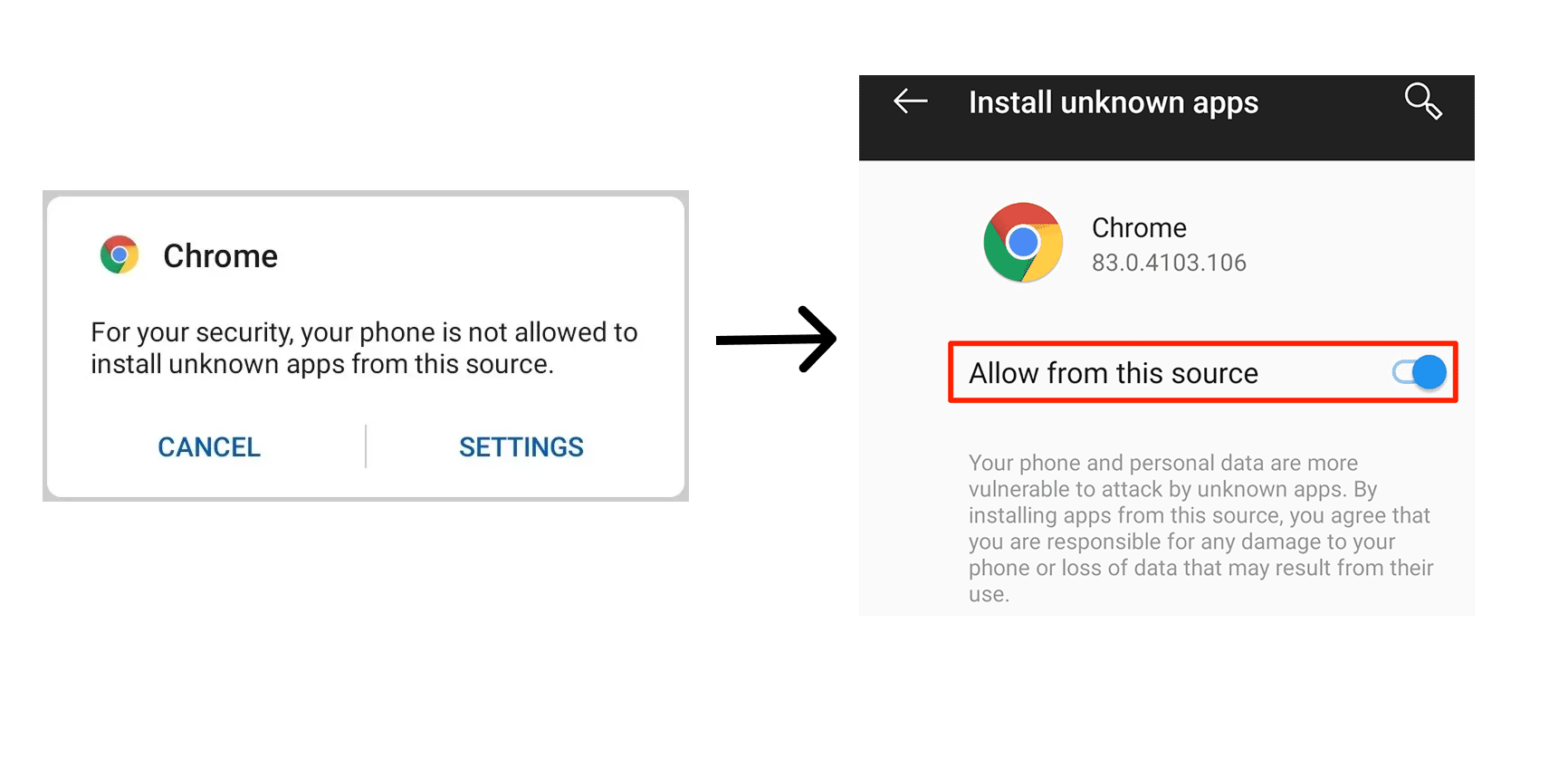
After You Install
Step 3: Enter your invite code
Open the app and enter the invite code you received.
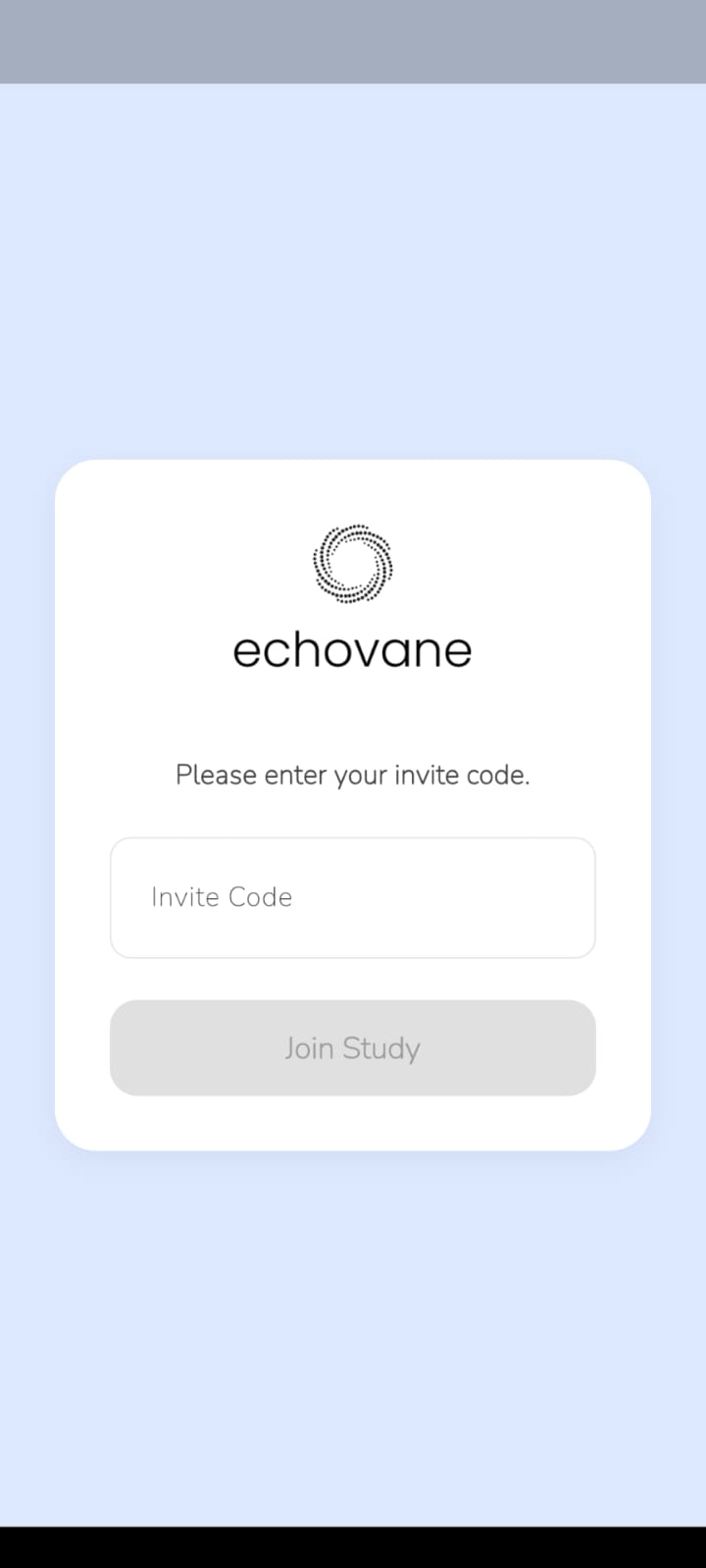
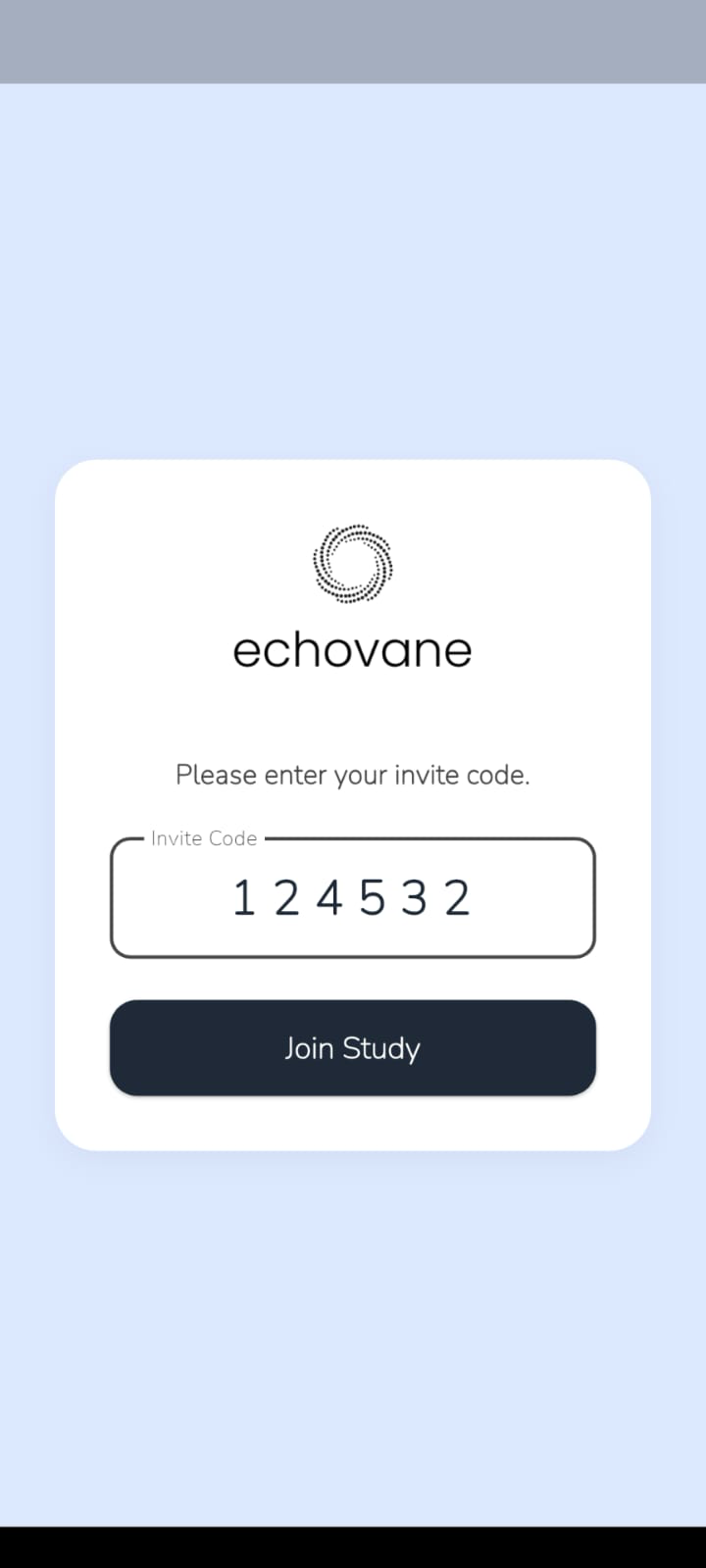
Step 4: Grant permissions
Echovane needs a few permissions to run studies. Follow the prompts to grant camera, microphone, and screen recording permissions as needed.
Important: If you deny a permission, you can enable it later in your phone settings.
Once permissions are enabled, return to the app and continue.
If you run into any issues, contact support at contact@echovane.com.